How to Turn Your Photo Into a Cartoon Online for Free?
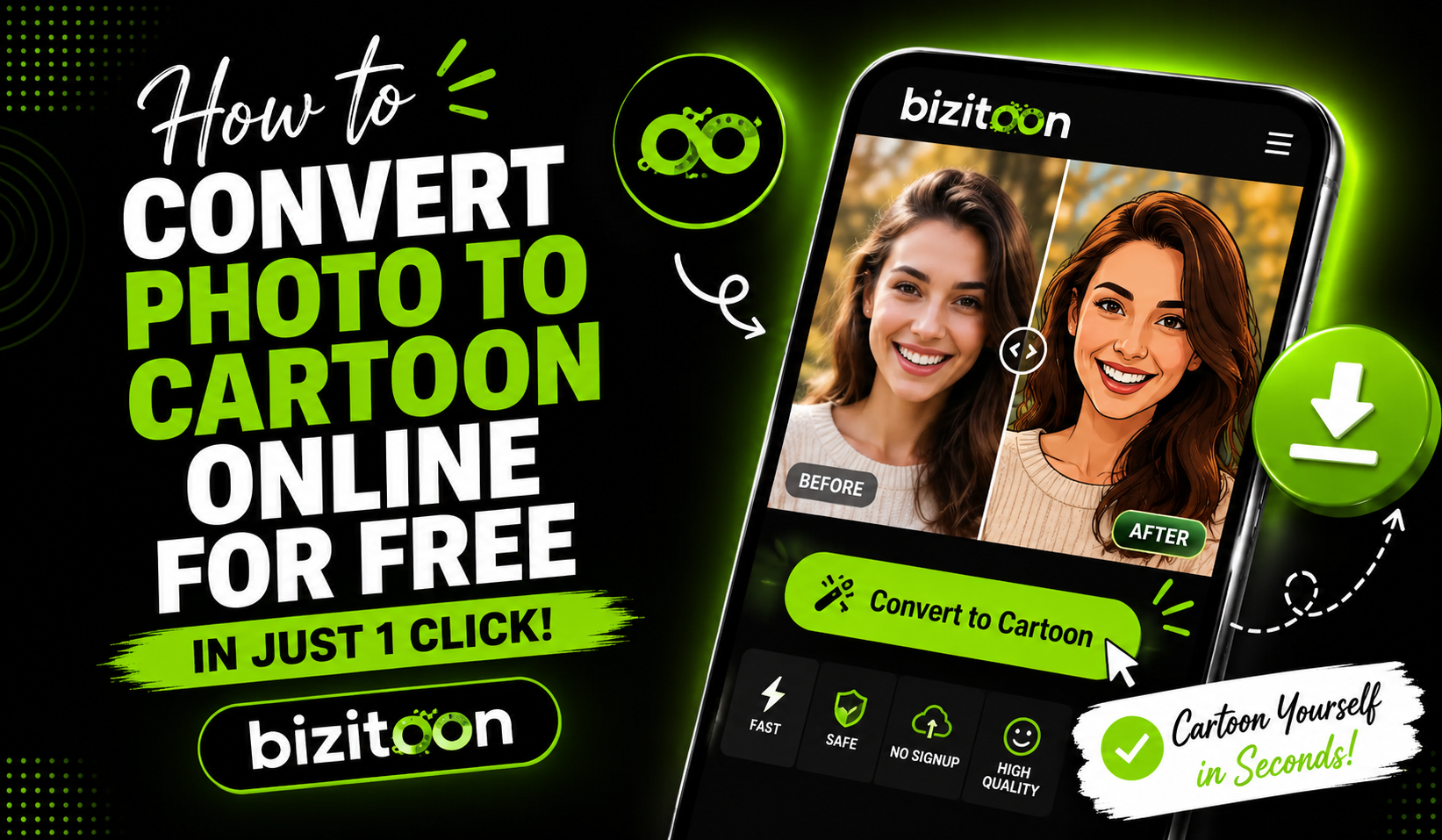
Cartoon photos are becoming very popular on the internet. Many people use cartoon images for profile pictures, social media posts, gaming avatars, and creative content. Cartoon effects make photos look more fun, stylish, and unique. Because of this, many users want to see how they would look as a cartoon character. With a modern photo to cartoon AI tool, anyone can now turn a normal picture into a beautiful cartoon image in just a few seconds. The AI cartoon generator is simple to use and requires no editing experience.
What is Bizitoon?
Bizitoon is an AI-powered online photo to cartoon converter that allows users to transform their photos into creative cartoon-style images in just a few clicks. An AI cartoon generator uses artificial intelligence to create unique avatars, anime-style portraits, caricatures, and artistic profile pictures without requiring any editing skills. Users simply upload a photo, choose a preferred style, and download the final cartoon image within seconds. Bizitoon photo to cartoon works smoothly on both mobile and desktop devices, making it useful for social media profile pictures, YouTube thumbnails, gaming avatars, and creative personal branding.
Before You Start: What You'll Need
- A JPG, PNG, WEBP, or JPEG photo
- File size under 50MB
- No account or sign-up required
- Works on desktop and mobile browsers
Step-by-Step: Turning Your Photo Into a Cartoon
1. Upload Your Photo
Choose a clear image from your phone or computer. Portrait photos usually give the best cartoon results.
2. Pick a Style
You'll see a row of style thumbnails, anime, comic, 3D, sketch, painted. Tap one to preview it against your uploaded photo before committing.
3. Let It Process
The AI automatically analyses your photo and applies the cartoon transformation within seconds.
4. Download the Cartoon Image
Once the conversion is complete, you can save the cartoon image in high quality and use it anywhere you want.
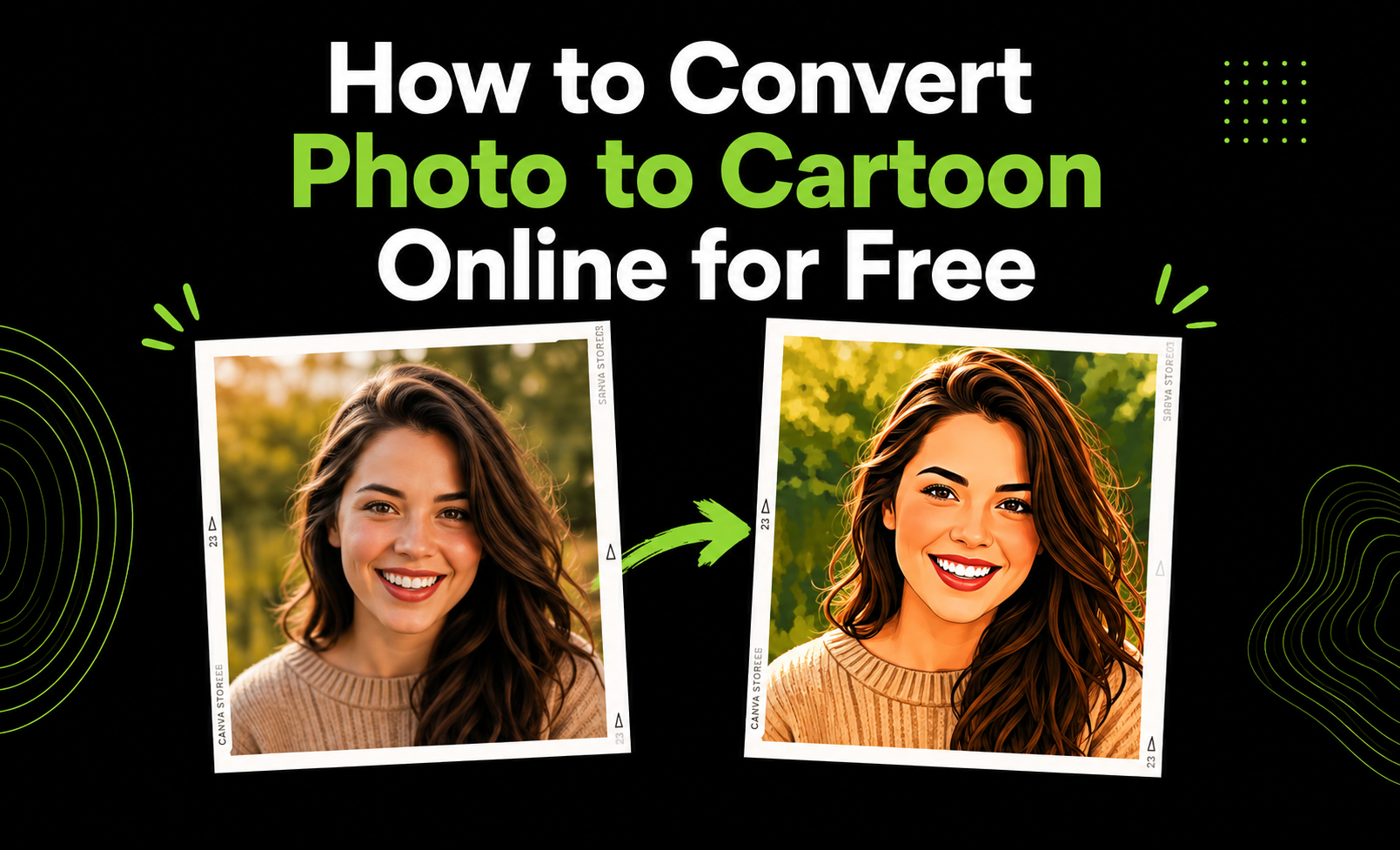
Different Ways to Turn a Photo Into a Cartoon
Online AI Cartoon Tools
Online photo-to-cartoon AI tools are one of the easiest options for beginners. You only need to upload a photo, choose a cartoon style, and let the AI create the effect automatically. Most online tools work directly in the browser without downloading software.
Mobile Cartoon Apps
Many smartphone apps can quickly transform selfies and portraits into cartoon artwork. These apps often include filters, anime effects, sketch styles, and editing features that help users create fun and creative images on mobile devices.
Professional Editing Software
Advanced editing programs like Photoshop or Illustrator can also be used to create cartoon effects. These tools provide more control and customisation, but they usually require editing knowledge and more time to achieve professional results.
AI Avatar Generators
Modern AI cartoon generators can create personalised cartoon characters from uploaded photos. Some tools even offer 3D avatars, anime faces, and digital art styles for social media or gaming profiles.
Hiring a Digital Artist
For fully customised cartoon artwork, some people hire freelance artists or illustrators. Artists can create hand-drawn cartoon portraits based on personal styles, preferences, and creative ideas.
A Few Things That Affect Quality
Lighting matters more than resolution. A well-lit, moderately-sized photo usually beats a huge but dim one.
Front-facing shots convert more cleanly than extreme angles.
Busy backgrounds sometimes bleed into the cartoon style — a plain or blurred background helps.
Tips and Tricks for Better Image to Cartoon Conversion Results
Getting a good cartoon image depends a lot on the quality of the original photo you use. A clear and bright image usually gives the best cartoon effect because an AI cartoon generator can detect facial details more accurately. Photos that are blurry, dark, or low quality may produce less attractive results. Natural lighting is also important because it helps improve colours, sharpness, and overall image clarity during the photo to cartoon conversion process.
Finally, always save the cartoon image in high quality whenever possible. High-resolution images look better on social media profiles, websites, thumbnails, and digital artwork. A good-quality final image also keeps the cartoon details sharp and visually appealing.
Conclusion
Turning photos into cartoons has become one of the most exciting ways to make ordinary pictures look more creative and attractive. With the help of a modern AI cartoon generator, anyone can now create stylish cartoon artwork in just a few seconds. Use a photo to cartoon AI tool without needing professional editing skills. The best part is that the online cartoon photo editor is simple to use, fast, and accessible from almost any device.
As AI technology continues to improve, photo to cartoon conversion is becoming more realistic, detailed, and enjoyable for users around the world. Different cartoon styles, anime effects, and artistic filters allow people to express their personality in a more creative way.